For escorted tours and cruises
Your tour, beautifully kept.
Tracks keeps the record while you travel: your itinerary, your photos on the right day, a link for the family at home, and a reel and a book when you get back.
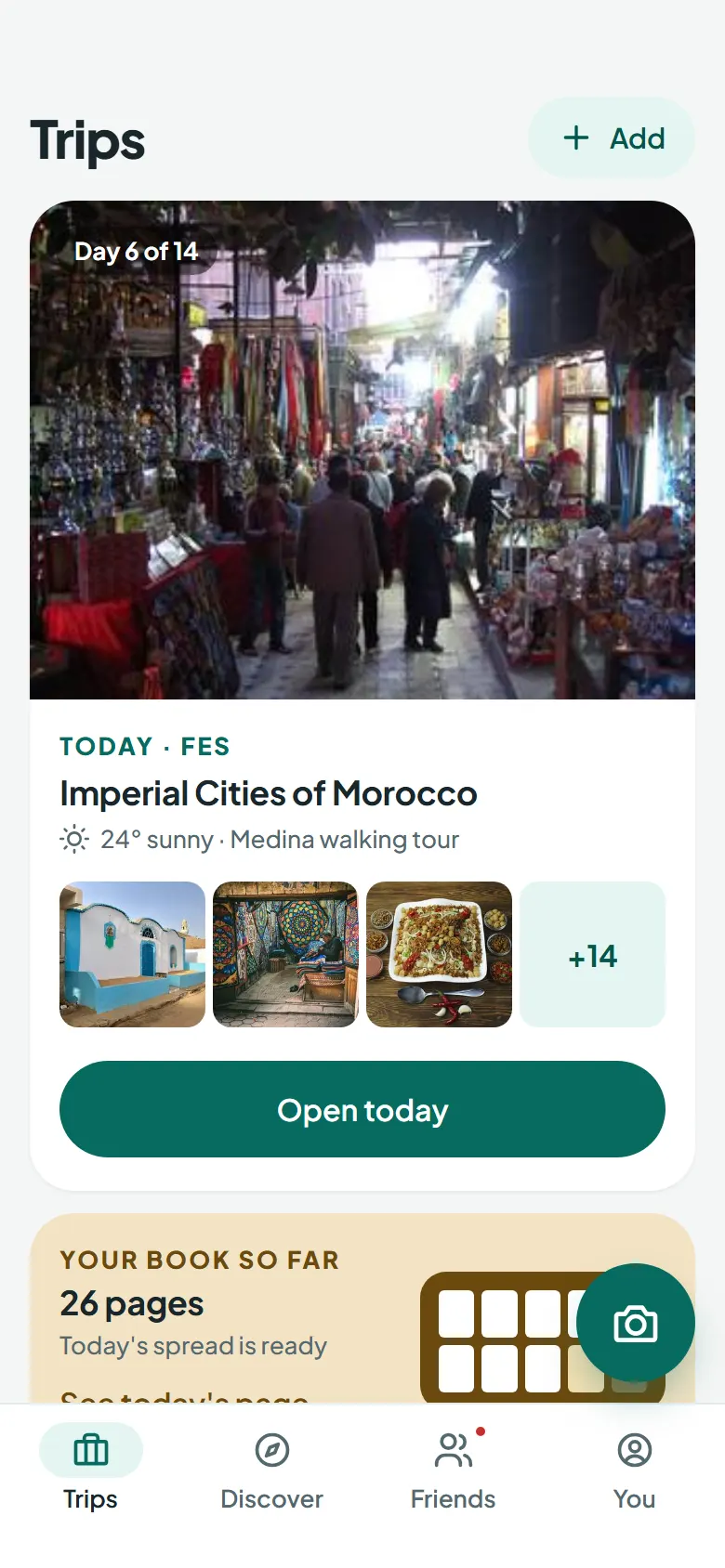
From the booking to the journey home
You travel. Tracks follows the itinerary, files the photos and keeps the people at home in the loop.
-
Before you go
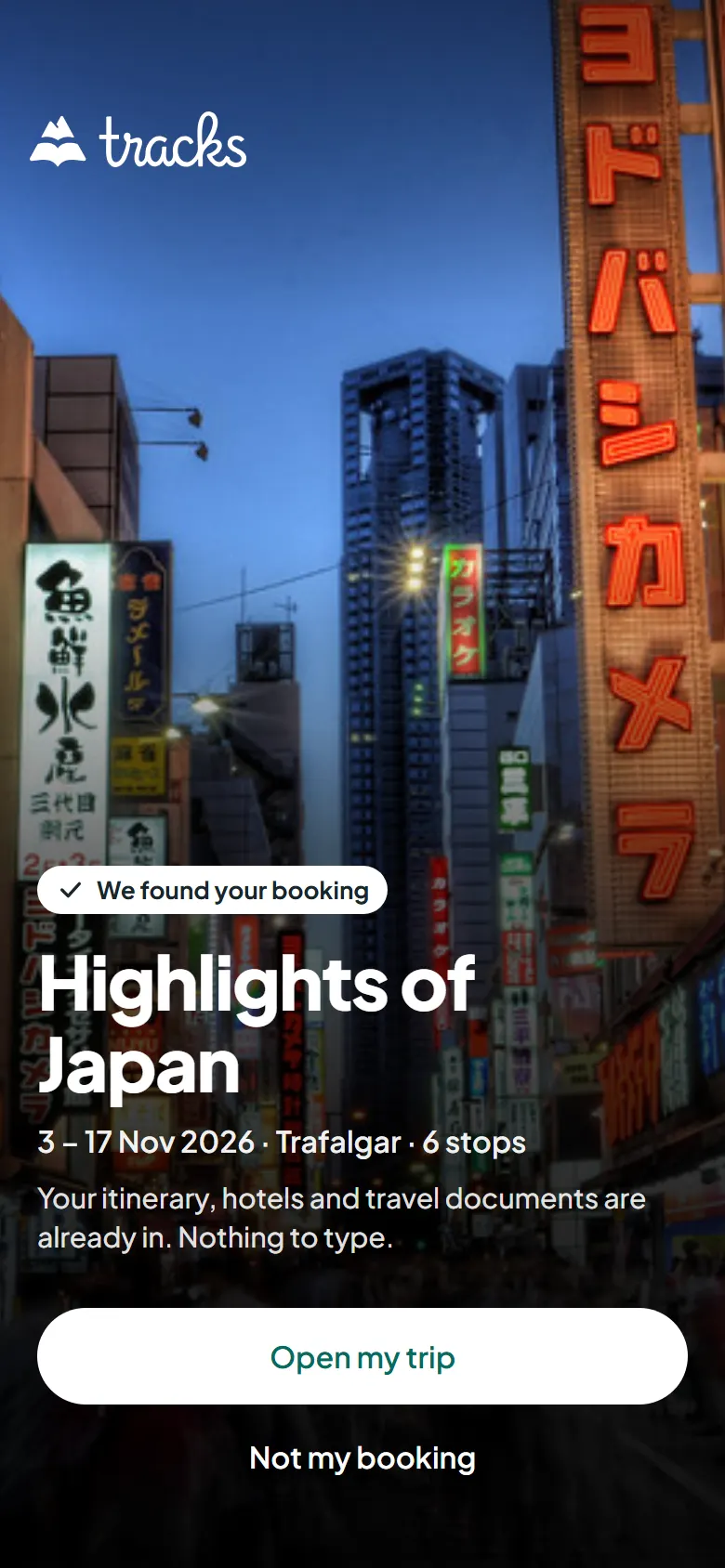
Your tour is already there
Booked through Tourhub? Sign in and your itinerary, hotels and travel documents are waiting. Booked somewhere else? Find the tour, paste its web page, or add your stops in a minute.
-
While you travel
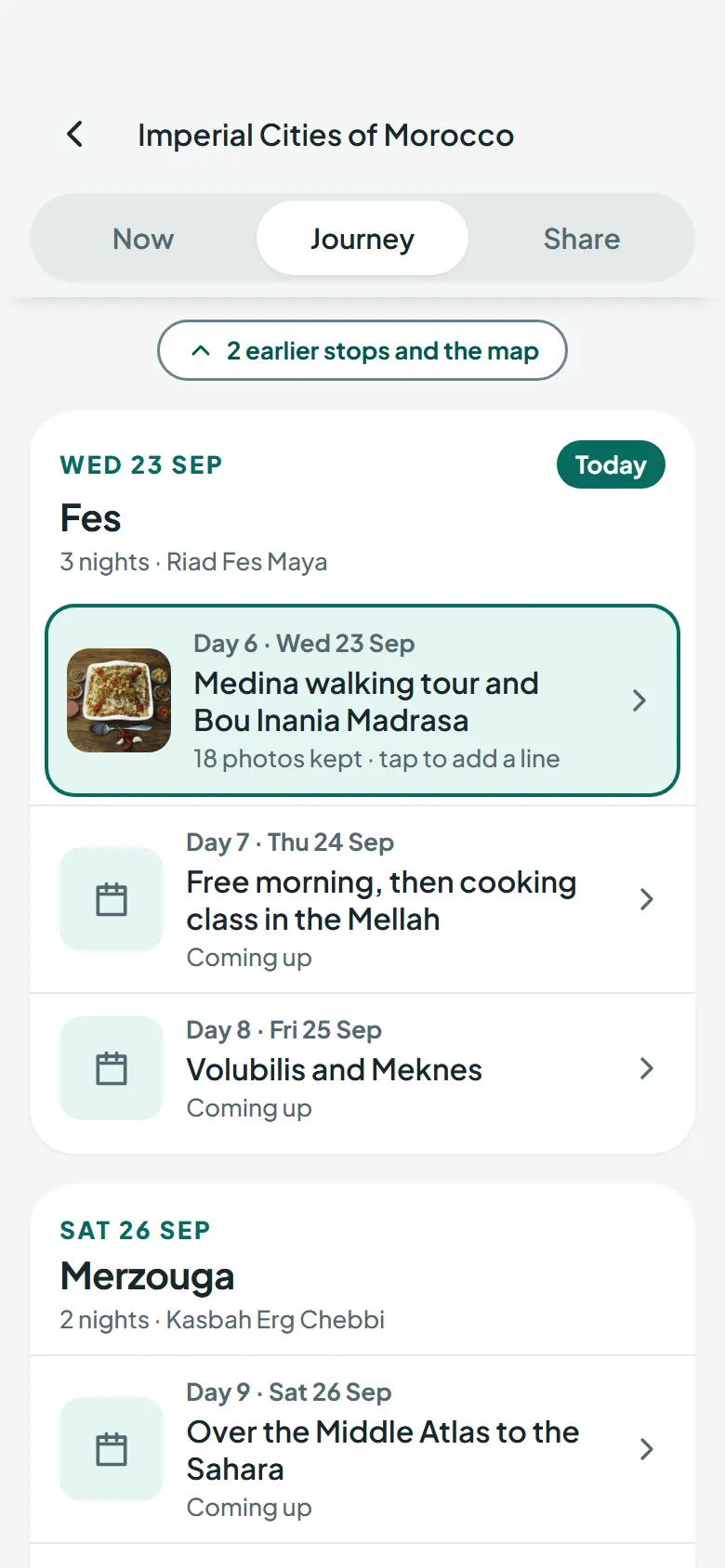
Every photo on the right day
Take photos the way you always do. Tracks matches each one to the day and the stop, and you keep the ones you want. Add a line in the evening if you feel like it. No signal needed.
-
Back home
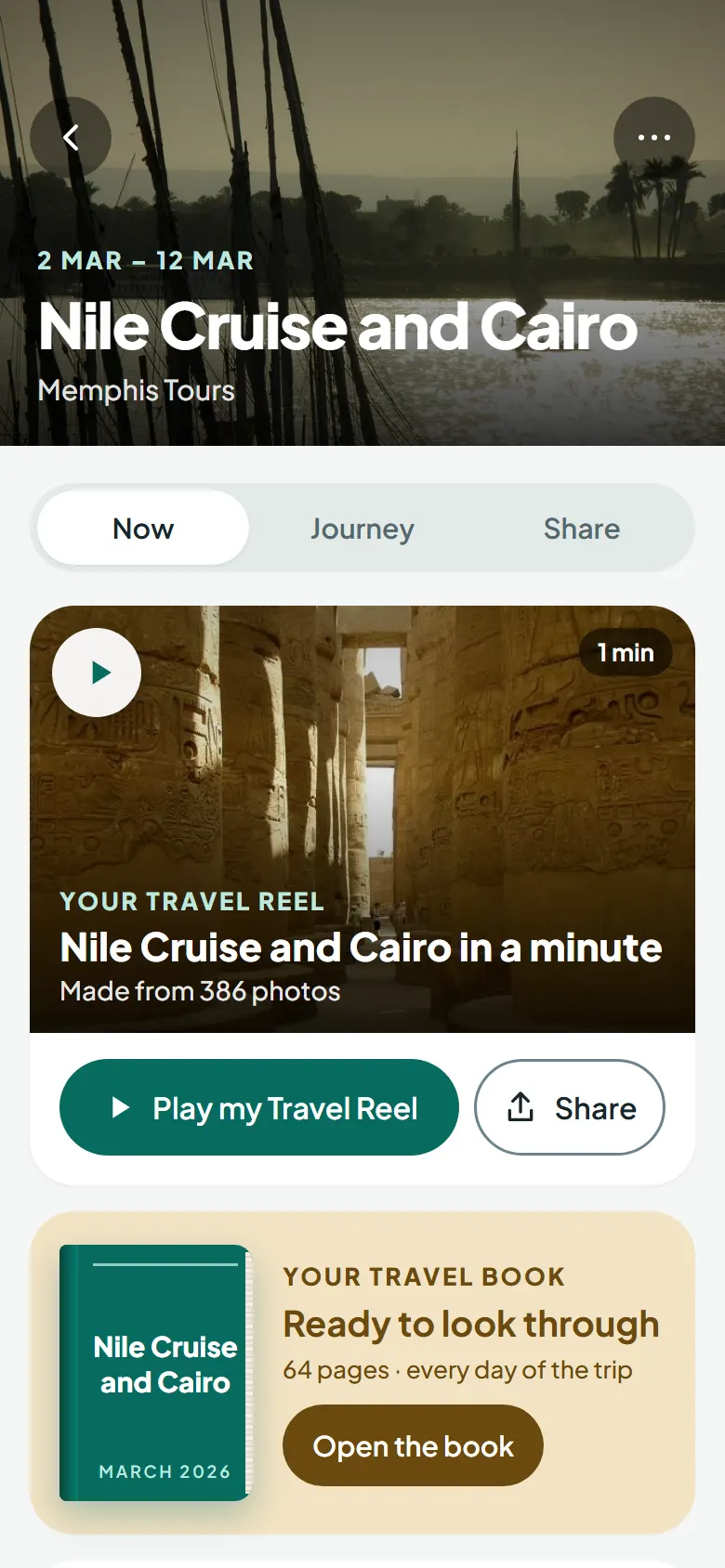
A reel and a book, waiting
When the trip ends, your Travel Reel is made: a short film of the best moments along your route. Your Travel Book is laid out page by page, every day of the trip, ready to look through.
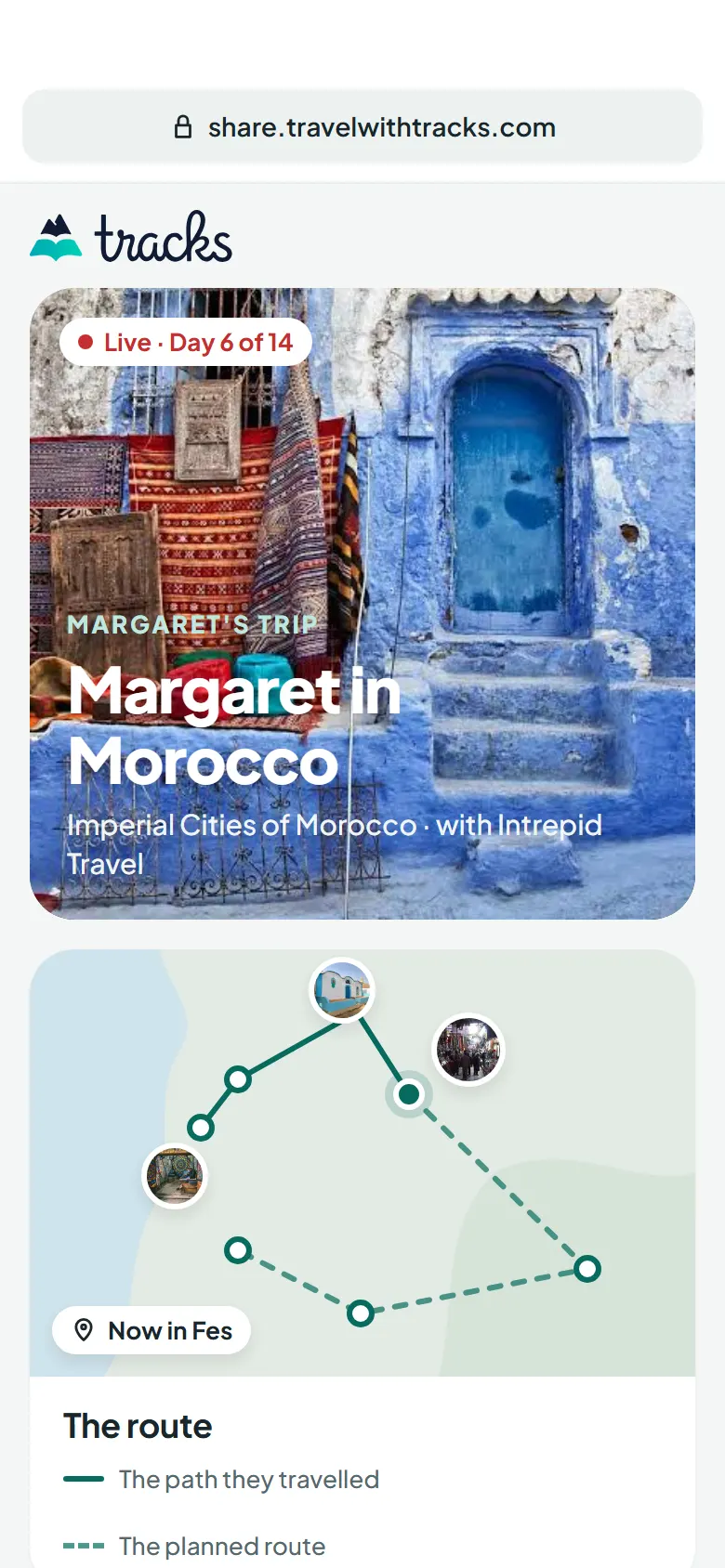
They follow along. No app needed.
Send one link and your family see the trip as it happens: where you are on the route, the day's photos and your note. It opens in any browser, with nothing to install and no account to make.
- Works on any phone, tablet or computer
- Turn the link off and the page closes at once
- Location details removed from every photo
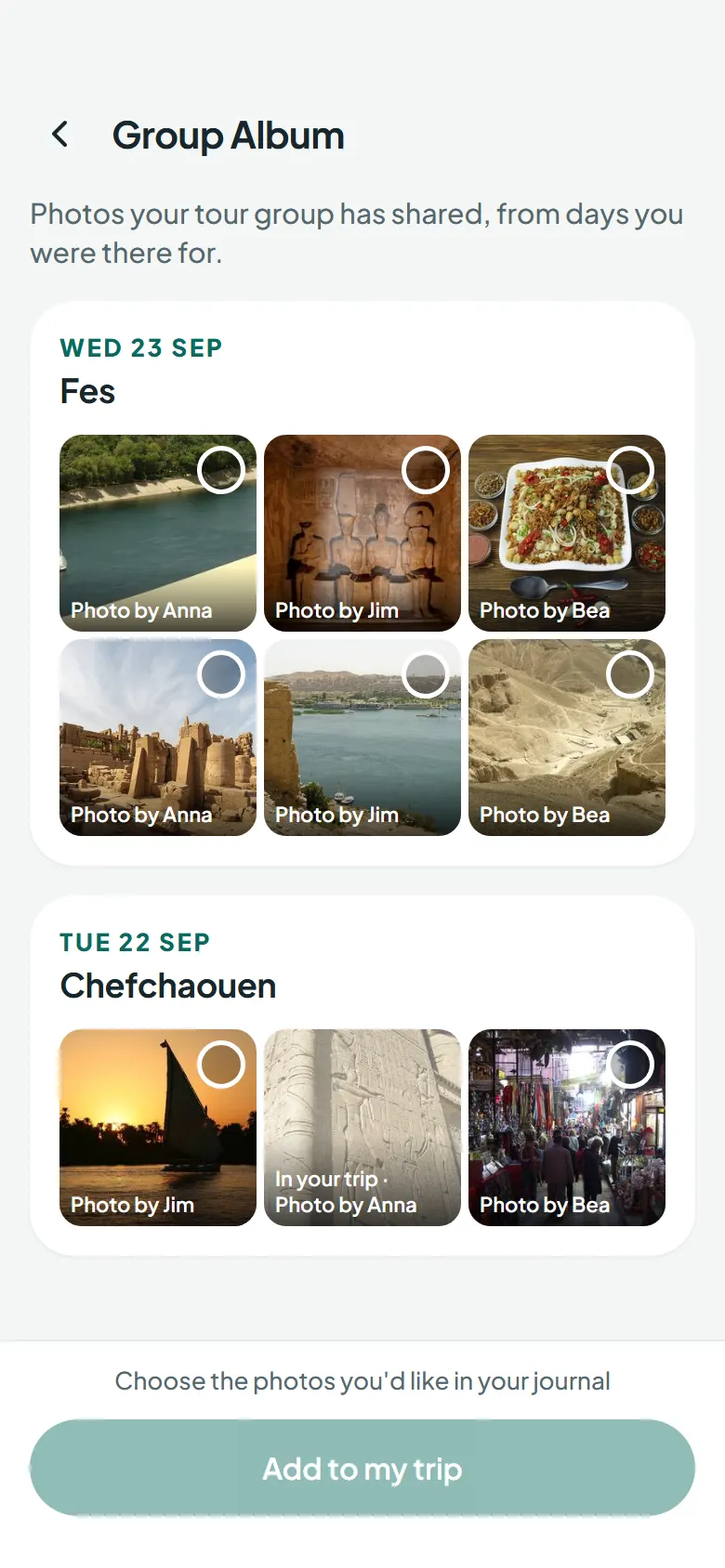
One album for the whole coach
Everyone on your departure sees the trip differently. Add your tourmates' best shots to your own journal, each one credited to the person who took it. They choose what they share, and you choose what you keep.
You decide who sees it
Each trip has two settings, and you can change them whenever you like.
Just me
The trip stays with you. Nobody else sees it.
The people I share with
Travel friends you have accepted, and anyone you send the Family link to.
- Location removed from shared photos
- Turn a link off at any time
- Hide any photo
- No adverts
- Delete everything from the app
Questions
Something else? The help page has more answers.
Does it work with no signal?
Yes. Everything you do in Tracks is saved on your phone first, then sent when you are back online, on the coach, at sea or up a mountain.
Do my family need the app to follow along?
No. The Family link opens in any web browser, on any phone or computer, with no app and no account. You can turn it off whenever you like.
I didn't book with Tourhub. Can I still use Tracks?
Yes. Search for your tour, paste the tour's web page, let Tracks find past trips in your photos, or add your stops yourself.
Who can see my photos?
Only the people you share a trip with: travel friends you have accepted, and anyone you send the Family link to. Location details are removed from every photo anyone else sees, and you can hide any photo from them.
Is my whole photo library uploaded?
No. Photos from your trip days wait on your phone until you choose to keep them. Only the ones you keep go into your journal.
Can I delete everything?
Yes. Delete your account from Settings in the app and your trips, photos and account are removed. There is a short grace period in case you change your mind.