For family and friends at home
Follow their tour. No app needed.
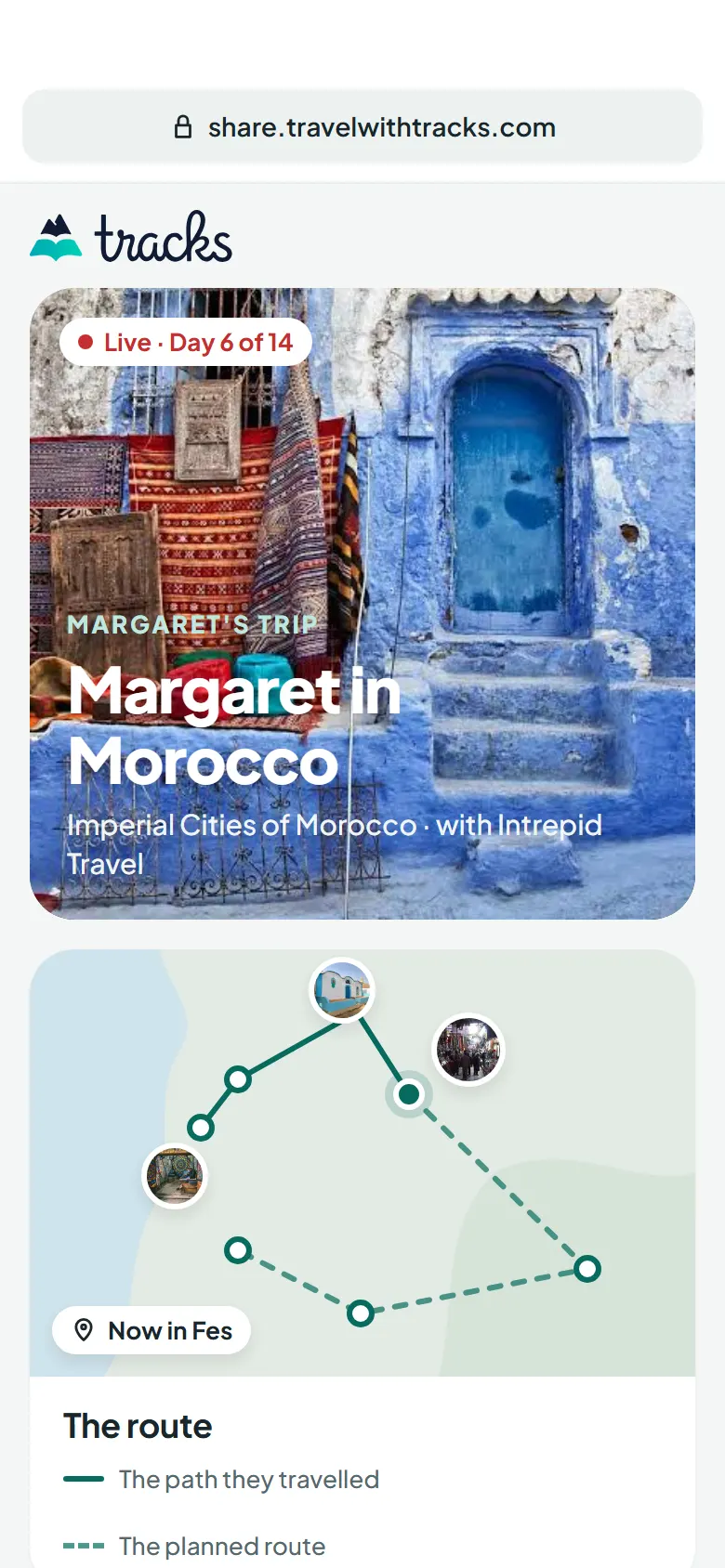
When someone you love is on a tour or a cruise with Tracks, one link shows you the trip as it happens: today's stop, the route, and the photos they took. It opens in your browser.
How it works
Three steps, and only the first one needs the traveller.
The traveller sends the link
From the trip in Tracks, they share the Family link by message, email or WhatsApp, the same way they would send a photo.
You open it in your browser
On any phone, tablet or computer, with nothing to install and nothing to sign up for. Save it to your bookmarks to come back each evening.
The trip fills in as they go
Where they are on the route, the photos they kept that day, and any note they wrote. Open the link again for the latest.
Private by design
The link is the only way in, and the traveller holds it.
- No app, no account
- Not listed on search engines
- Location removed from photos
- Hidden photos never appear
- Turned off in one tap
Questions from home
Something else? The help page has more answers.
Do I need to download anything?
No. The Family link is a web page. It opens in Safari, Chrome or any other browser, with no app and no account.
How do I follow my mum's or dad's tour?
Ask them to send you the Family link from the trip in Tracks. Open it whenever you like to see where they are and what they have photographed.
Does it show exactly where they are?
It shows the stop they are at on their itinerary. Their exact position appears only if they choose to switch on live location, and only while it is recent.
Can I see the whole trip?
While they are travelling you see the most recent days, unless they choose to show the whole trip. Once the trip is over, all of it is there.
Who else can see it?
Anyone the traveller sends the link to. The page is not listed on search engines, and the traveller can turn the link off at any moment, which closes the page straight away.
Are the photos safe to share?
Location details are removed from every photo on the page, and the traveller can hide any photo from it.
Can I see it in the app instead?
Yes, if you like. Get Tracks and ask to follow them as a travel friend. They choose whether to say yes.